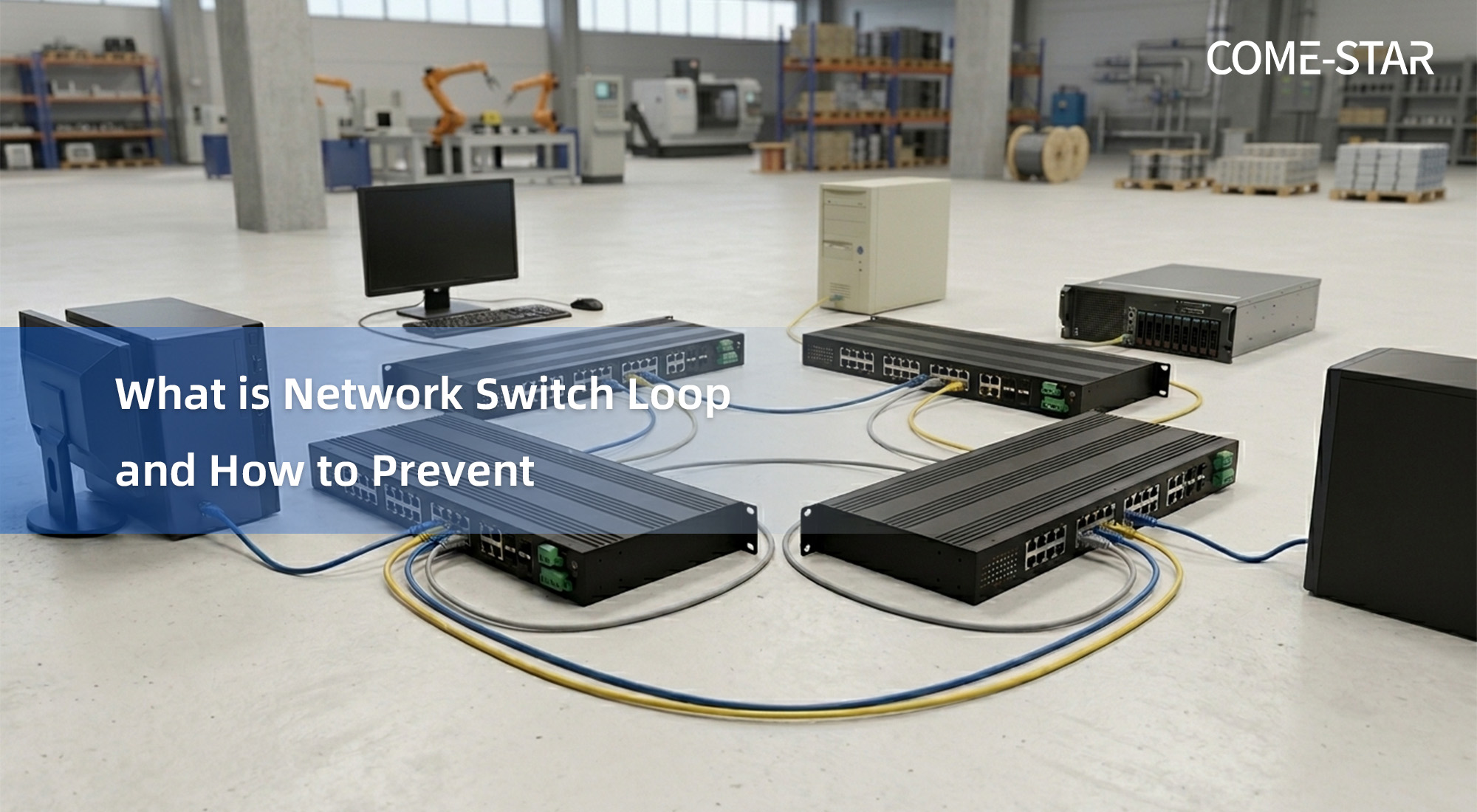
Network outages caused by simple cabling mistakes are more common than expected. A single incorrectly connected Ethernet cable can create a Layer 2 loop, leading to serious consequences such as network congestion or even complete downtime. Understanding how these loops form and how to prevent them is essential for maintaining stable network operations.
What Is a Network Switch Loop
A network switch loop occurs when there is a physical loop in the network and no loop prevention mechanism is enabled. Common scenarios include:
- Two ports on the same switch connected together
- Two switches connected with multiple cables without control protocols
- Multiple switches forming a ring topology without proper configuration
While some of these designs are intentional for redundancy, without logical control, they can quickly lead to problems.
Why Network Loops Are Dangerous
Ethernet switches forward frames based on MAC addresses. When encountering unknown, broadcast, or multicast traffic, switches flood frames out of all ports.
In a looped network:
- Frames circulate endlessly because Ethernet has no TTL
- Traffic increases exponentially due to repeated forwarding
- Broadcast storms rapidly consume bandwidth
- Switch resources become exhausted
In severe cases, the entire network can become unavailable within seconds.
Manual Methods to Prevent or Troubleshoot Loops
Basic approaches include:
- Planning topology carefully and avoiding unintended loops
- Disabling unused ports
- Applying port security (e.g., limiting MAC addresses)
If a loop occurs, troubleshooting may involve:
- Disconnecting cables one by one
- Observing abnormal port LED activity
- Isolating network segments
However, these methods are time-consuming and impractical in large-scale deployments.
Automatic Loop Prevention on Managed Switches
Modern managed switches provide built-in mechanisms to prevent and control loops more efficiently:
1. Spanning Tree Protocol (STP and variants)
Protocols such as STP, RSTP, and MSTP automatically block redundant paths to eliminate logical loops while preserving redundancy. When a link fails, blocked paths are reactivated to maintain connectivity.
2. Ring Protection Protocols
Industrial networks often use ring-based redundancy protocols like ERPS or MRP. These protocols keep one link blocked under normal conditions and quickly restore connectivity if a failure occurs.
3. Loop Detection (Loopback Detection)
Some switches can actively detect loops by sending test packets and monitoring whether they return. If a loop is identified, the switch can automatically shut down the affected port and generate alerts, then recover once the issue is resolved.
4. Storm Control
Storm control mechanisms limit excessive broadcast, multicast, or unknown unicast traffic. When thresholds are exceeded, switches can block or restrict traffic to prevent network collapse.
Conclusion
Network loops are often caused by simple physical connection errors but can lead to severe consequences if not properly controlled. While manual prevention methods exist, they are not always practical for modern networks.
In real-world deployments, especially in industrial environments, it is common to rely on managed switches with built-in loop prevention features such as STP, loop detection, and storm control. Some industrial-grade solutions integrate these capabilities with fast recovery mechanisms and multiple alert options, providing a more reliable way to maintain network stability.
Source: Original article adapted and summarized from Come-Star technical blog on network loop prevention.